Top 15 Data Integration Tools of 2026

Aaron Keeports

What Are Data Integration Tools?
Data integration tools are software solutions that help businesses connect, combine, and transform data from multiple sources into a unified, usable format. These tools enable seamless communication between systems, whether on-premise, cloud-based, or hybrid, and are critical for automating workflows, improving visibility, and supporting decision-making.
How Data Integration Tools Work
Comprehensive, all-in-one data integration tools typically follow a structured process to unify and transform data, which often looks like:
- Data Extraction: The tool pulls data from various sources like ERPs, CRMs, databases, APIs, EDI systems, or spreadsheets.
- Data Transformation: The extracted data is cleaned, formatted, and standardized to ensure consistency and usability. This may include mapping data fields, removing duplicates, or converting formats.
- Data Loading: The transformed data is loaded into a target system, such as a data warehouse, analytics platform, or another application.
- Monitoring and Error Handling: The tool ensures accuracy by validating data integrity and providing logs or error notifications for troubleshooting.
Modern tools automate these steps and offer workflows to streamline data transfer in real-time or on a scheduled basis. However, it's important to note that some tools may specialize in only one part of this process and lack the capabilities to perform all of the other steps—making for a less complete solution.
The Benefits of Data Integration Tools
Data integration tools enable businesses to:
Eliminate Data Silos
Integrate data from multiple systems, ensuring a single source of truth.
Improve Decision-Making
Unified, high-quality data allows leaders to make faster, more informed business decisions.
Save Time and Resources
Automate manual data processes, reducing errors and freeing up resources for strategic tasks.
Enhance Data Quality
Tools clean, standardize, and validate data to ensure accuracy and reliability.
Enable Real-Time Insights
Many tools offer real-time integrations, ensuring teams always have up-to-date data.
Support Scalability
Businesses can scale integrations as they grow, adding new systems and applications seamlessly.
Improve Customer Experience
Integrated data provides a 360-degree view of customers, improving personalization and support.
Integrate their Supply Chains
Unify data from ERP, TMS, WMS, visibility platforms (Project44 and FourKites), etc., for better visibility and operations.
What to Look for in a Data Integration Tool
When evaluating data integration tools in 2026, businesses need to consider a combination of functionality, scalability, and ease of use to meet evolving demands. Here are the key features to look for:
1. Scalability and Flexibility
Choose a tool that can handle increasing data volumes and support on-premise, cloud, and hybrid environments as your business grows.
Genpro Migrates Data Integration to Cleo in Under 4 Months
Genpro faced complexities integrating diverse platforms and data sources, essential for providing real-time order tracking to customers until they met Cleo's data integration cloud solution.
2. Multi-Integration Support
A comprehensive tool should support various integration methods, such as API integrations for real-time data exchange, EDI (Electronic Data Interchange) for structured B2B communication, and file-based transfers and legacy system integrations.
3. Real-Time Data Processing
The ability to integrate and process data in real time ensures up-to-date insights, faster decision-making, and improved business agility.
4. Ease of Use and Low-Code/No-Code Options
Look for tools with intuitive user interfaces and drag-and-drop workflows. Low-code/no-code functionality empowers non-technical users to manage integrations, reducing reliance on IT teams.
5. Data Quality and Transformation Capabilities
High-quality integrations require built-in features for data cleansing, validation, transformation, and mapping to ensure consistency and accuracy across systems.
6. Monitoring and Error Handling
A robust tool will offer real-time monitoring, detailed error logs, and automated alerts to help identify and resolve integration issues quickly.
7. Pre-Built Connectors and Templates
Tools that provide pre-built connectors for popular applications (ERPs, CRMs, databases, etc.) significantly reduce deployment time and effort.
8. Security and Compliance
Ensure the tool complies with data security standards (SOC 2, GDPR, HIPAA) and offers features like data encryption, role-based access control, and audit trails.
9. Cost Efficiency and ROI
Evaluate the total cost of ownership (TCO), including licensing fees, maintenance, and implementation costs. A good tool should deliver measurable ROI by improving efficiency, reducing errors, and scaling with your business.
10. Support for Automation and Orchestration
Automation of workflows and scheduling of data transfers help streamline operations and reduce manual intervention.
15 Best Data Integration Tools of 2026
The 15 best data integration tools of 2026 are:
We explore each in more depth below.
1) Cleo Integration Cloud
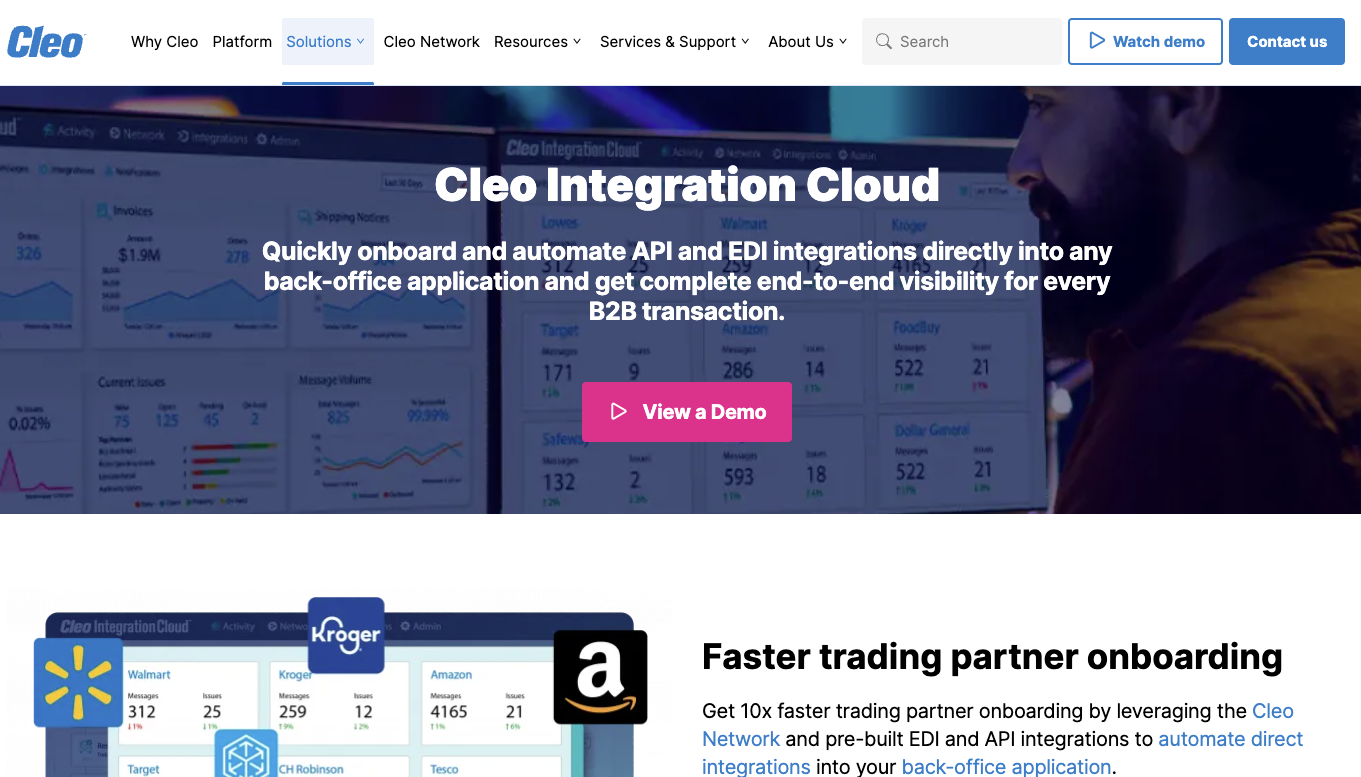
Cleo Integration Cloud (CIC) is the pioneer and global leader in the ecosystem integration software category. Cleo Integration Cloud is an integration platform designed to simplify and accelerate data integration across B2B ecosystems for businesses of all sizes, particularly in logistics, manufacturing, and supply chain. With its ability to connect to nearly any application, system, and trading partner—paired with centralized, customizable dashboards for each user—it effectively eliminates data silos between teams and platforms.
Features
- Support for EDI, API, and file-based integrations
- Pre-built, customizable integrations that streamline onboarding for popular applications and trading partners
- Real-time monitoring and powerful data transformation capabilities
- Flexible service offerings including transparent managed services, 100% self-service, or a blended approach approach
- Scalable deployment options including cloud, on-premise, and hybrid
Pros
- Comprehensive integration capabilities in a single platform
- User-friendly design with drag-and-drop functionality
- Real-time data processing for improved business agility
Cons
- May have a learning curve for new users unfamiliar with comprehensive data integration systems
2) SnapLogic
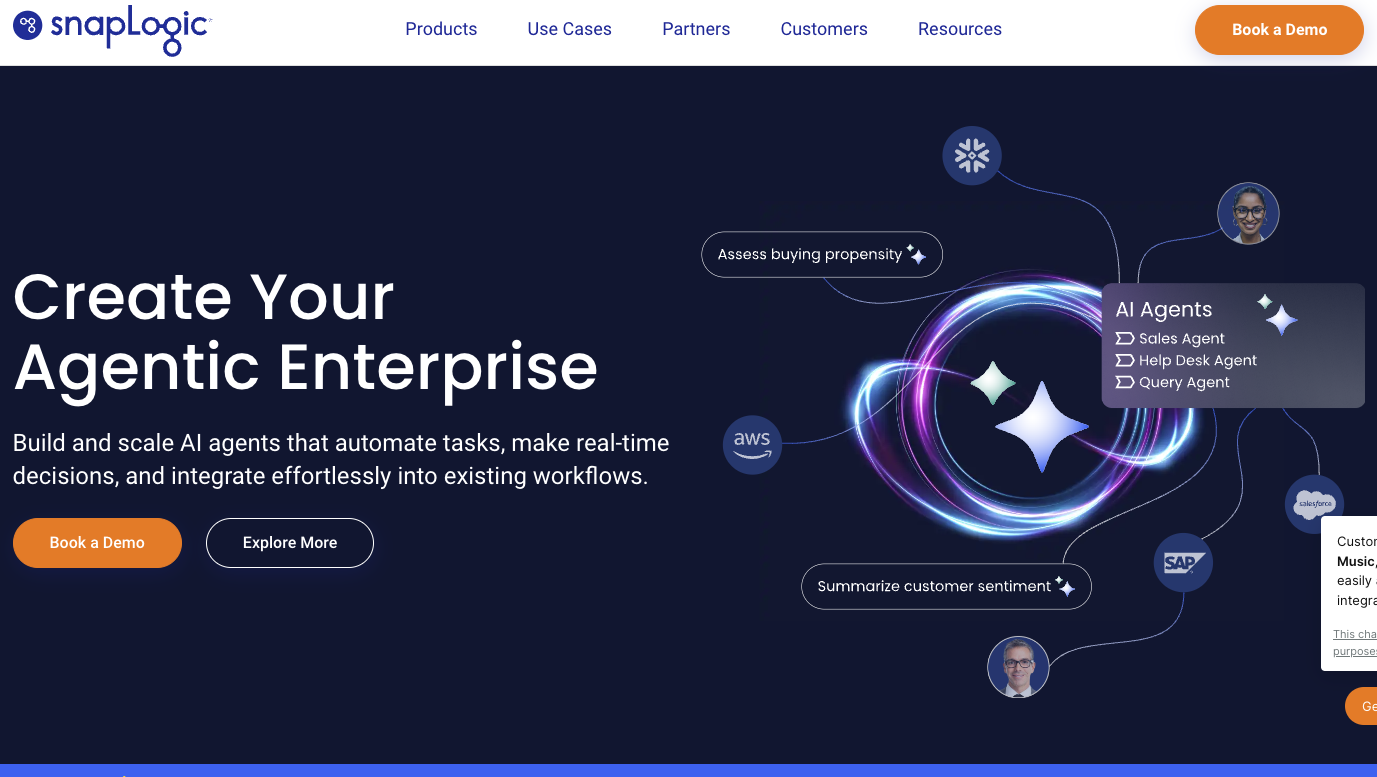
SnapLogic is a versatile solution designed for application and data integration. Focusing on simplicity, SnapLogic enables organizations to connect various systems, applications, and data sources through a user-friendly interface and pre-built connectors. Its prioritization of scalability and speed makes it a viable choice for businesses aiming to streamline integration workflows.
Features
- Low-code platform with drag-and-drop functionality
- Pre-built connectors for popular applications and data sources
- Real-time and batch integration capabilities
Pros
- User-friendly interface for non-technical users
- Efficient data and application integration processes
Cons
- Limited transparency compared to glass box-managed services
- May lack the depth of functionality required for various evolving B2B ecosystems
- SnapLogic offers ease of use and flexibility but may not suit organizations with advanced or specialized integration needs.
3) Workato
Workato is a cloud-based integration platform that focuses on automation and event-driven workflows. It is designed to simplify the connection between applications and data sources, offering pre-built templates and a low-code interface to streamline integrations.
Features
- Low-code/no-code interface for building workflows
- Pre-built automation templates for common use cases
- API and database connectivity
Pros
- Simplifies automation for small-scale processes
- Intuitive platform for non-technical users
Cons
- Limited functionality for handling large-scale, complex integrations
- May not provide sufficient control or visibility for B2B ecosystems
4) Jitterbit
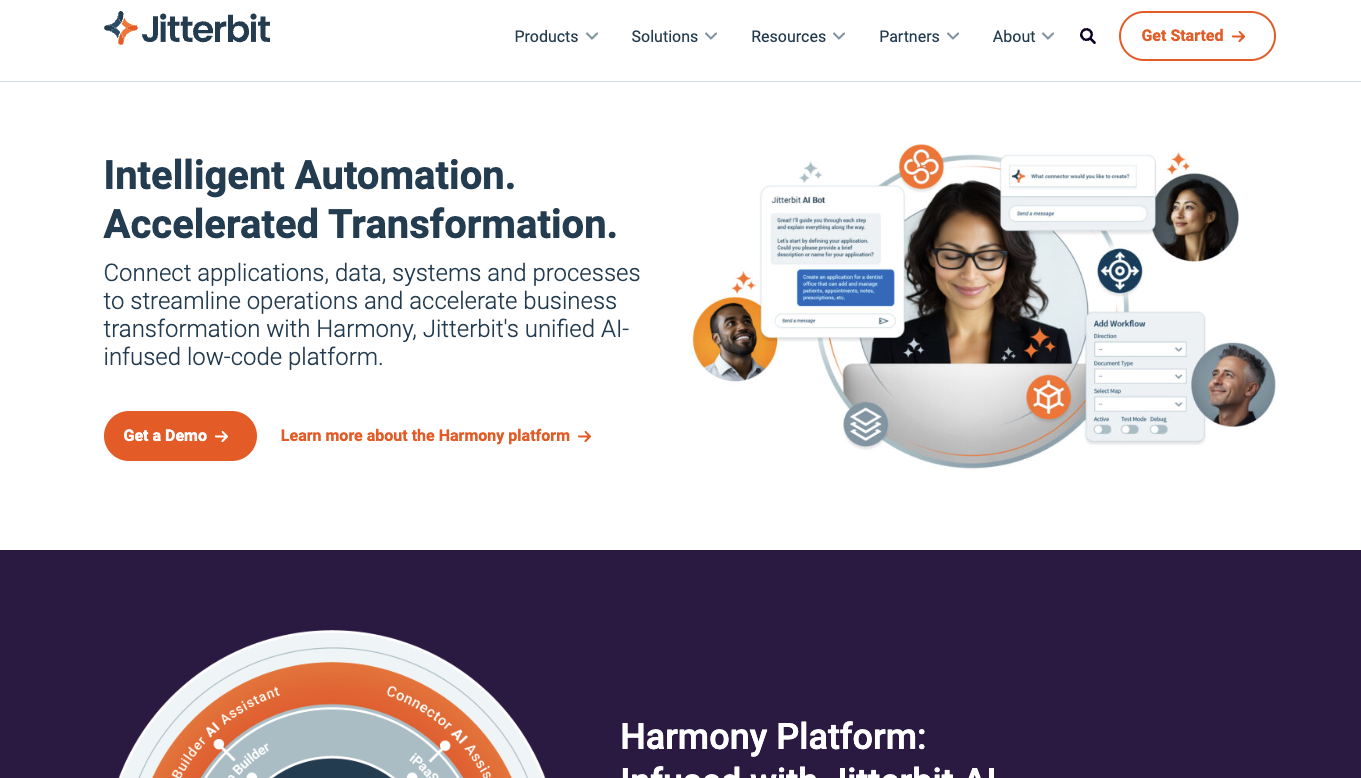
Jitterbit aims to connect applications, data, and APIs for streamlined workflows. Known for its hybrid integration capabilities, Jitterbit enables businesses to unify on-premise and cloud systems through pre-built connectors and API management tools.
Features
- Hybrid integration for on-premise and cloud systems
- API management and creation tools
- Pre-built connectors for popular applications
Pros
- Effective for integrating hybrid environments
- API capabilities for extending system functionality
Cons
- May lack the depth required for highly complex B2B integrations
- User interface could be challenging for non-technical users
- May be limiting for intricate or large-scale ecosystems
5) Celigo
Celigo is a cloud-based integration platform designed to streamline business processes by connecting various applications, data sources, and systems. With a focus on simplicity, Celigo offers pre-built integration templates and a low-code interface to help users automate workflows and unify data across departments.
Features
- Pre-built integration templates for common applications
- Low-code platform for creating custom workflows
- Supports real-time and scheduled integrations
Pros
- Easy to use for mid-sized businesses with basic needs
- Extensive library of pre-built integrations
Cons
- Limited scalability for enterprise-grade integrations
- May require technical expertise for advanced use cases
6) Boomi
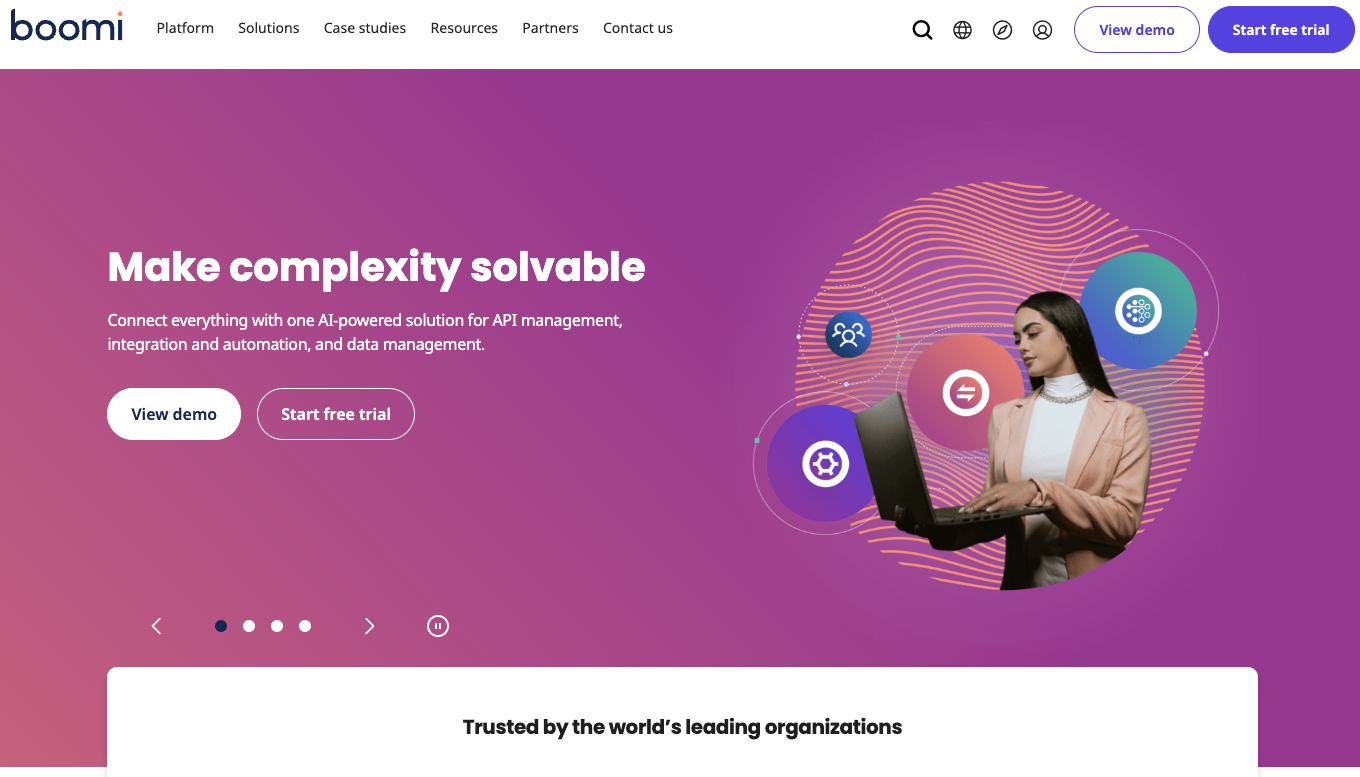
Boomi is a cloud-native integration platform as a service (iPaaS) that specializes in connecting applications, data, and devices across hybrid IT ecosystems. Its scalable architecture and extensive library of pre-built connectors make it a good choice for businesses looking to unify on-premise and cloud systems.
Features
- Pre-built connectors for popular systems
- Supports cloud, on-premise, and hybrid integrations
- Real-time data synchronization and API management
Pros
- Scalable solution for enterprise-level integrations
- Support for hybrid environments
Cons
- Steeper learning curve for non-technical users
- Costs may escalate with increasing integration needs
7) Informatica

Informatica is a comprehensive data integration platform designed to support complex data management and integration needs. Known for its advanced capabilities, Informatica offers tools for connecting applications, automating workflows, and managing large-scale data ecosystems. It is used across industries for its ability to handle diverse data sources and formats.
Features
- Advanced data transformation and cleansing capabilities
- Support for cloud, on-premise, and hybrid environments
- API and application connectivity
Pros
- Handles large-scale data integration and transformation efficiently
- Solid support for diverse data formats and sources
Cons
- Requires technical expertise for implementation and management

FourHands unleashes potential with a top-tier data integration tool
Once Four Hands recognized the challenges with its legacy ERP system and former integration solution, the need for a better data integration tool became clear.
8) IBM App Connect
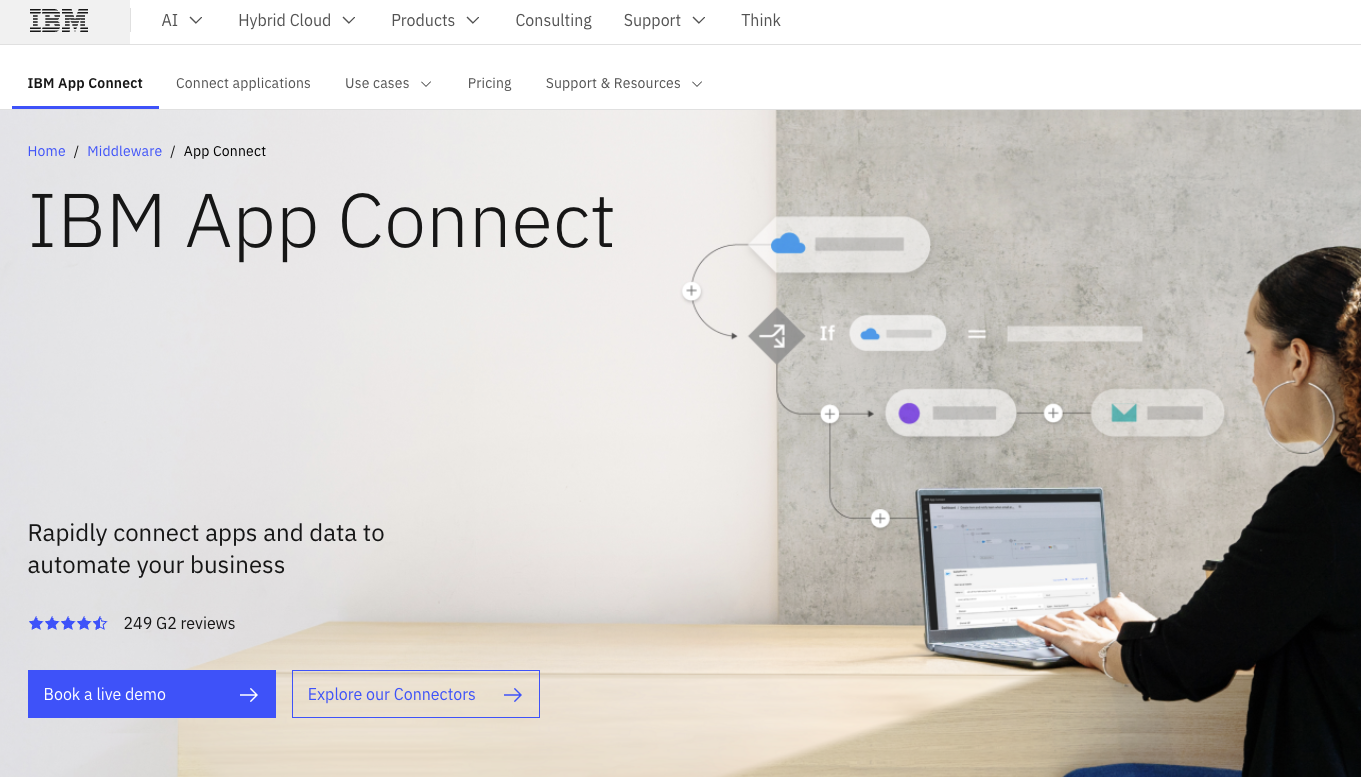
IBM App Connect is an integration platform that helps businesses connect applications, data, and systems to streamline workflows and improve operational efficiency. With support for both cloud and on-premise environments, it provides tools for automating processes and enabling real-time data exchange across various platforms.
Features
- Support for hybrid integration environments
- Real-time and batch processing capabilities
- Pre-built connectors for popular applications and data sources
Pros
- Support for enterprise-level integrations
- Robust automation features for complex workflows
Cons
- May require significant setup and configuration effort
- Costs can be high for extensive integrations
9) Tray.ai
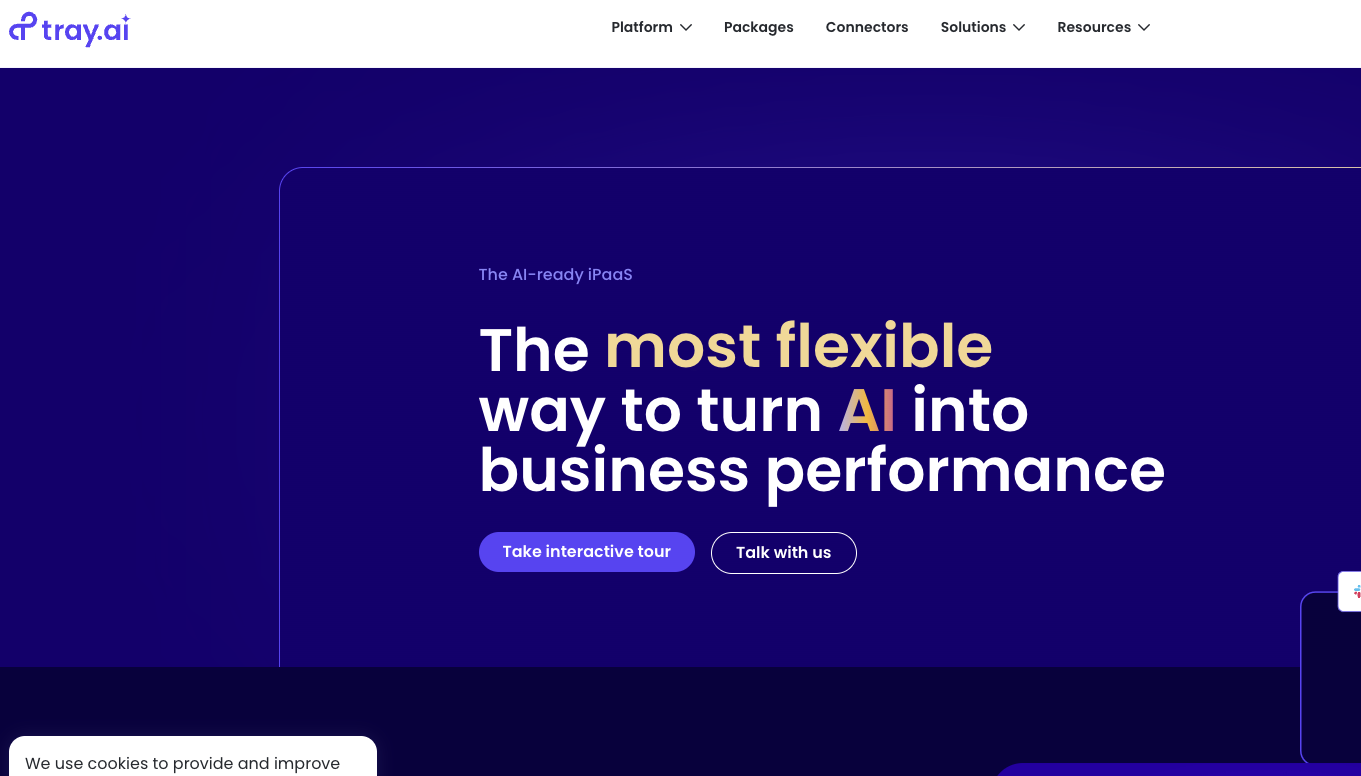
Tray.ai is a general automation platform that emphasizes flexibility and scalability for connecting applications, data, and workflows. Designed with a focus on empowering users across technical and non-technical roles, Tray.ai enables teams to automate processes and build integrations through its low-code interface. Its API support and visual workflow builder cater to a wide range of use cases, from marketing to IT operations.
Features
- Visual workflow builder with drag-and-drop functionality
- API integrations for real-time connectivity
- Automation tools for creating multi-step workflows
Pros
- Flexibility to handle diverse integration and automation needs
- Designed for cross-functional teams, reducing reliance on IT
Cons
- Advanced workflows may require technical expertise to optimize
- Limited pre-built templates compared to competitors
10) OpenText B2B Integration Enterprise
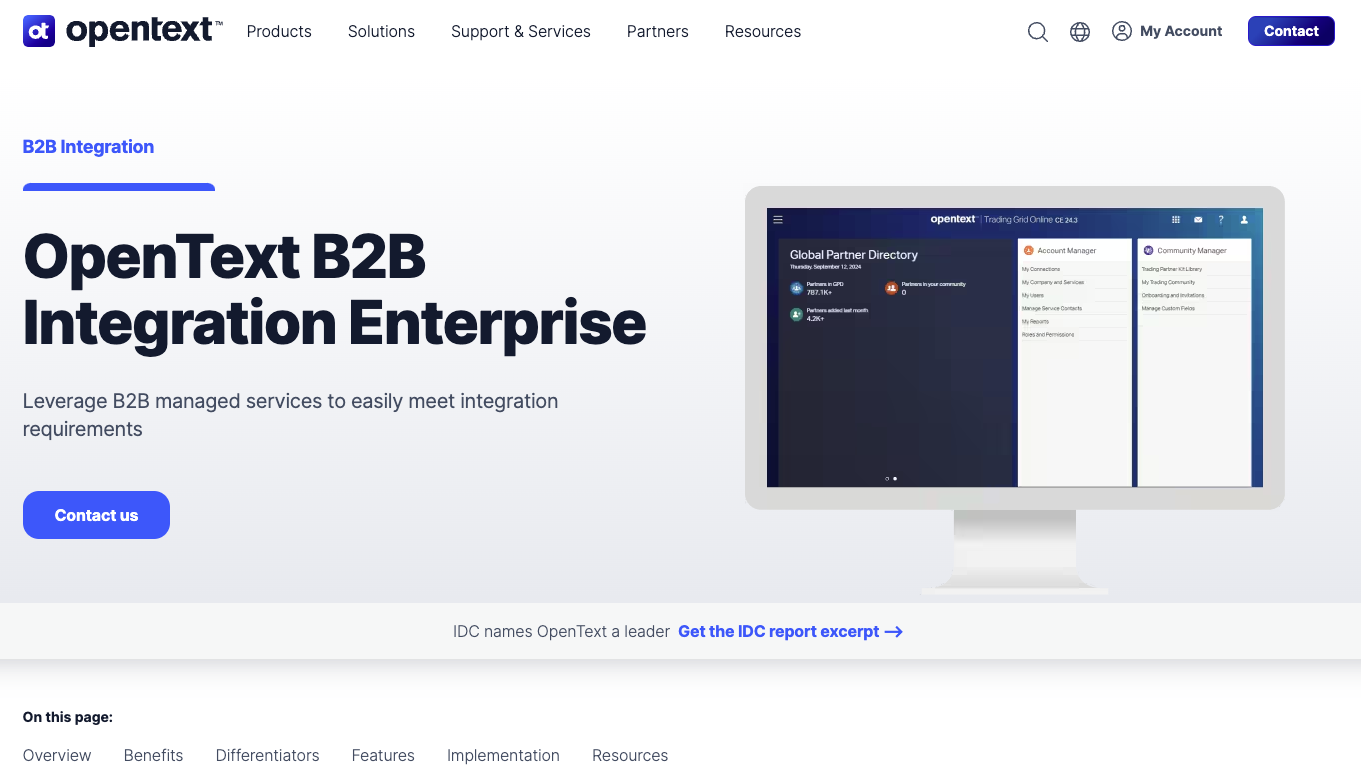
OpenText B2B Integration Enterprise is an integration and information management platform that supports data exchange, collaboration, and workflow automation. OpenText provides tools for managing structured and unstructured data across various systems. Its integration solutions are particularly well-suited for industries with high compliance and regulatory demands, such as healthcare and finance.
Features
- Support for EDI, API, and cloud integrations
- Document and data exchange with trading partners
- Built-in compliance with industry standards (e.g., HIPAA, GDPR)
Pros
- Strong focus on data security and compliance
- Handles high-volume integrations effectively
Cons
- May be overly complex for smaller organizations
- Higher cost compared to mid-market solutions
11) MuleSoft
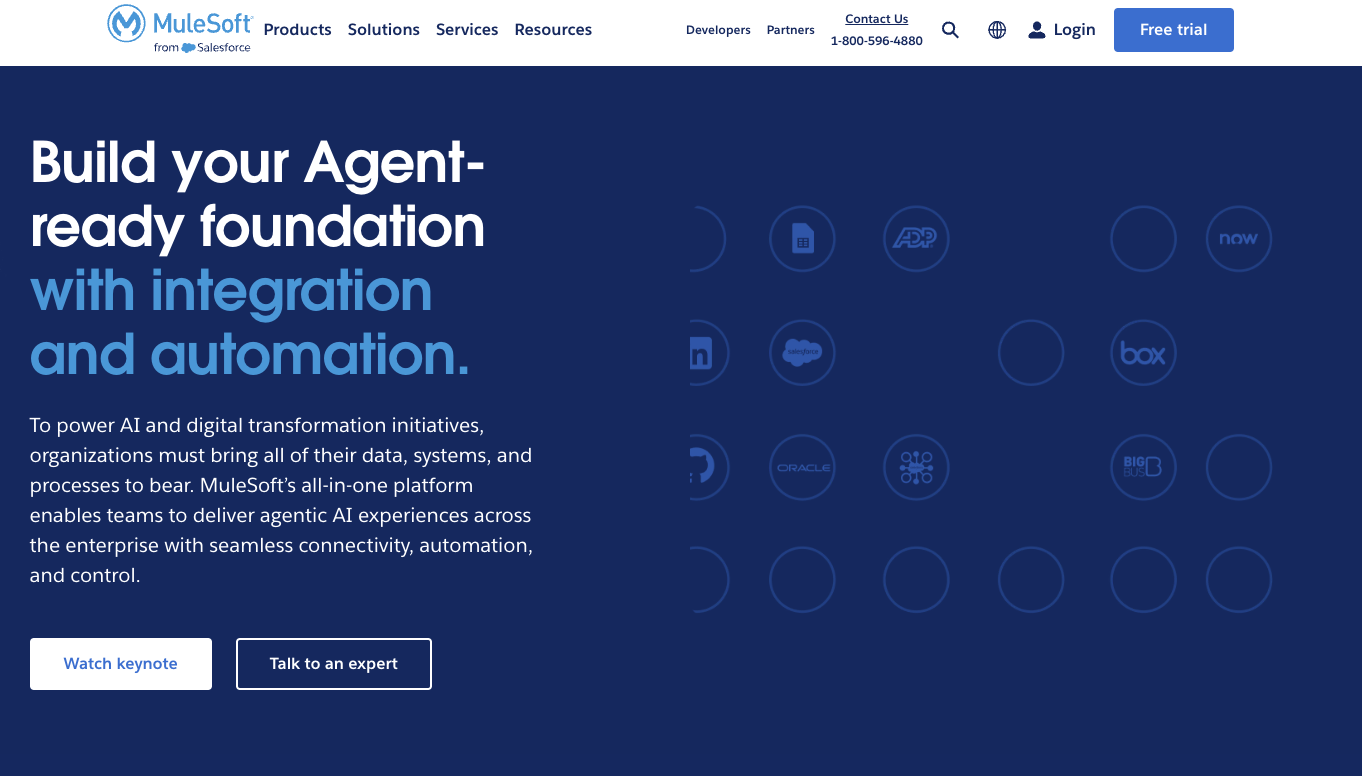
MuleSoft is an integration platform that connects applications, data, devices, and business systems through its Anypoint Platform. MuleSoft supports both API and EDI integrations, enabling businesses to modernize legacy systems while maintaining compliance with traditional B2B communication standards. Its robust API management and EDI capabilities make it a versatile solution for organizations aiming to streamline workflows and achieve seamless data exchange.
Features
- Pre-built connectors for popular applications and databases
- Real-time data integration and transformation
- Flexible deployment options: cloud, on-premise, and hybrid
Pros
- API and EDI integration capabilities for diverse use cases
- Good for modernizing legacy systems while supporting traditional workflows
Cons
- Requires technical expertise for full utilization
12) Oracle Data Integrator
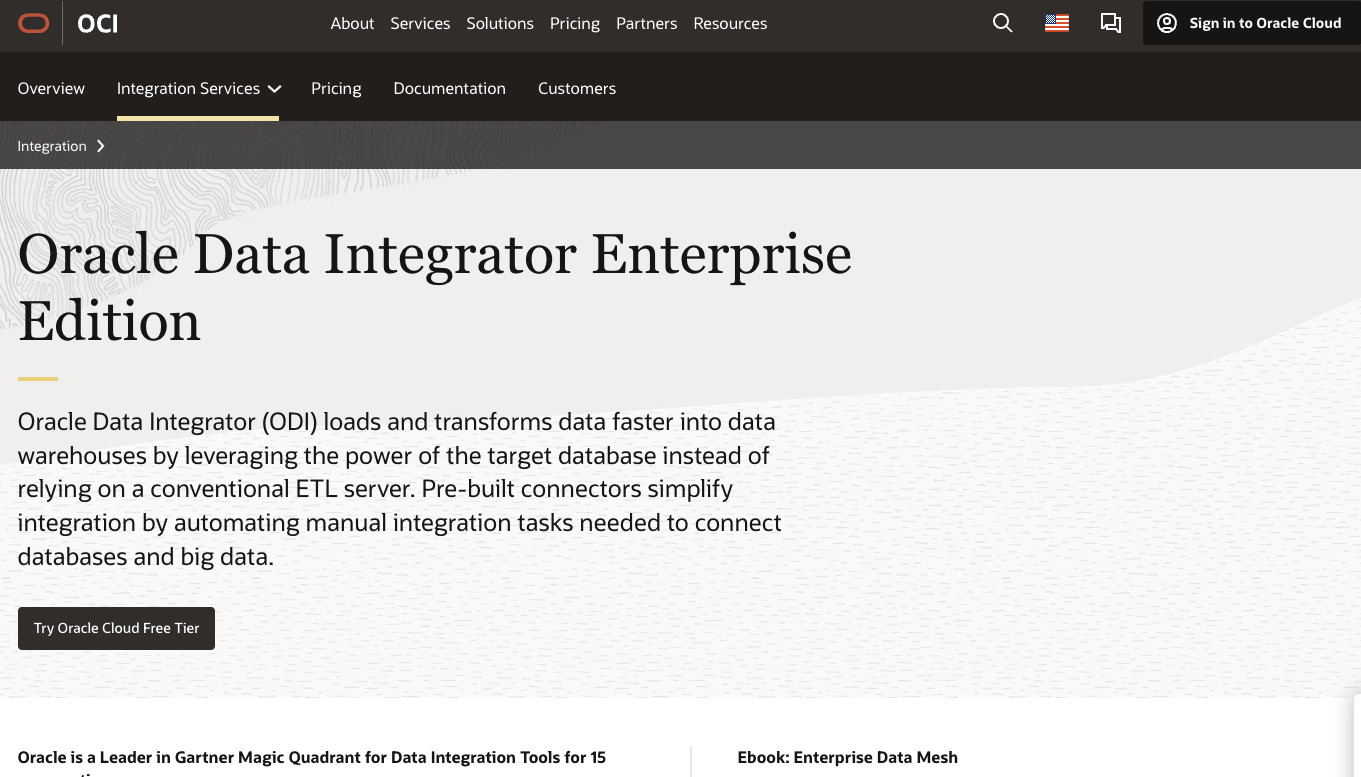
Oracle Data Integrator offers a robust suite of integration tools designed to streamline connectivity across applications, data, and systems. With support for both API and EDI integrations, Oracle provides companies with the flexibility to modernize their IT infrastructure while maintaining traditional B2B communication methods. Its comprehensive platform is well-suited for organizations with complex workflows and high data processing demands.
Features
- API and EDI integration capabilities for seamless data exchange
- Pre-built adapters for Oracle and third-party applications
- Built-in support for advanced security and compliance standards
Pros
- Integration with Oracle’s ecosystem of applications
- Flexible platform for enterprise-level requirements
Cons
- Complexity may pose a challenge for smaller teams or non-technical users
- Higher cost of ownership for extensive implementations
13) Talend
Talend is an open-source data integration platform that focuses on delivering high-quality, trusted data to businesses. Its emphasis on data governance, cleansing, and preparation sets it apart from other integration tools. Talend supports a wide variety of integration use cases, from basic application connections to large-scale data pipelines for analytics. Its ability to unify fragmented data into a single, reliable source makes it a good choice for data-driven organizations.
Features
- Built-in data quality tools for cleansing, validation, and enrichment
- Open-source and enterprise-grade versions for flexible adoption
- ETL (Extract, Transform, Load) and data pipeline capabilities
Pros
- Strong focus on data quality and governance
- Open-source option allows for cost-effective experimentation
- Suitable for analytics and big data projects
Cons
- Steeper learning curve for advanced features
- May require additional configuration for complex, enterprise-level use cases
14) Zapier
Zapier is an automation-focused integration platform designed for small to mid-sized businesses looking to connect applications without heavy IT involvement. Its intuitive interface allows users to create automated workflows, called “Zaps,” that link various apps and trigger actions based on specific events.
Features
- Drag-and-drop workflow builder for automation
- Supports thousands of apps, including popular CRMs, ERPs, and productivity tools
- Event-based triggers for real-time workflow execution
- No coding required for setup
Pros
- User-friendly, designed for non-technical users
- Vast library of supported applications for easy integration
- Quick setup for automating repetitive tasks
Cons
- Limited scalability for handling large data volumes or complex workflows
- Minimal support for advanced data transformation or governance needs
15) Integrate.io

Integrate.io is a cloud-based data integration platform tailored for businesses seeking to simplify ETL (Extract, Transform, Load) workflows and improve data pipeline management. With a focus on empowering data teams, Integrate.io offers low-code tools for connecting data sources, performing transformations, and delivering data to analytics platforms. Its specialization in data warehouses and cloud ecosystems makes it a good choice for companies focused on analytics and business intelligence.
Features
- Low-code platform with drag-and-drop functionality
- Pre-built connectors for databases, SaaS applications, and cloud storage
- Data transformation and cleansing tools
Pros
- Ideal for building data pipelines for analytics and reporting
- Strong support for modern cloud ecosystems and data warehouses
- Simplifies ETL processes for faster data integration
Cons
- Limited capabilities for real-time or event-driven integrations
- May require additional tools for API or EDI-specific use cases
–
Choosing the right data integration tool is a critical step toward streamlining workflows, improving decision-making, and enabling business growth. Whether your organization prioritizes EDI, API, ETL, or hybrid integration capabilities, the tools listed in this blog offer a variety of features to meet diverse needs.
When evaluating your options, focus on your specific integration requirements, such as scalability, real-time processing, and ease of use. A well-chosen data integration tool will not only unify your data but also drive operational efficiency and support your organization’s long-term goals.
If you have questions about data integration or how Cleo's products and services can help your business, contact us at sales@cleo.com, +1.815.282.7695, or by completing our brief form fill. And be sure to explore some of our educational resources through our content hub.

Book a live demo


