Oracle JDE integrationmade easy.
Integrate Oracle JD Edwards EnterpriseOne with cloud and on-premise systems, SaaS applications, enterprise endpoints, APIs, EDI trading partners, and the rest of your digital ecosystem.
Reduce manual integration work and custom coding while supporting web services, database-driven workflows, IBM i environments, data transformation, and end-to-end supply-chain orchestration.

Keep JD Edwards aligned with the systems and trading partners your business depends on.
Cleo Integration Cloud helps create fully automated connections between JD Edwards and customers, suppliers, logistics providers, marketplaces, databases, applications, and internal systems.
- Automate EDI and API transactions around JD Edwards.
- Transform and validate partner data before it reaches JDE business processes.
- Coordinate cloud, database, IBM i, and partner dataflows with end-to-end visibility.
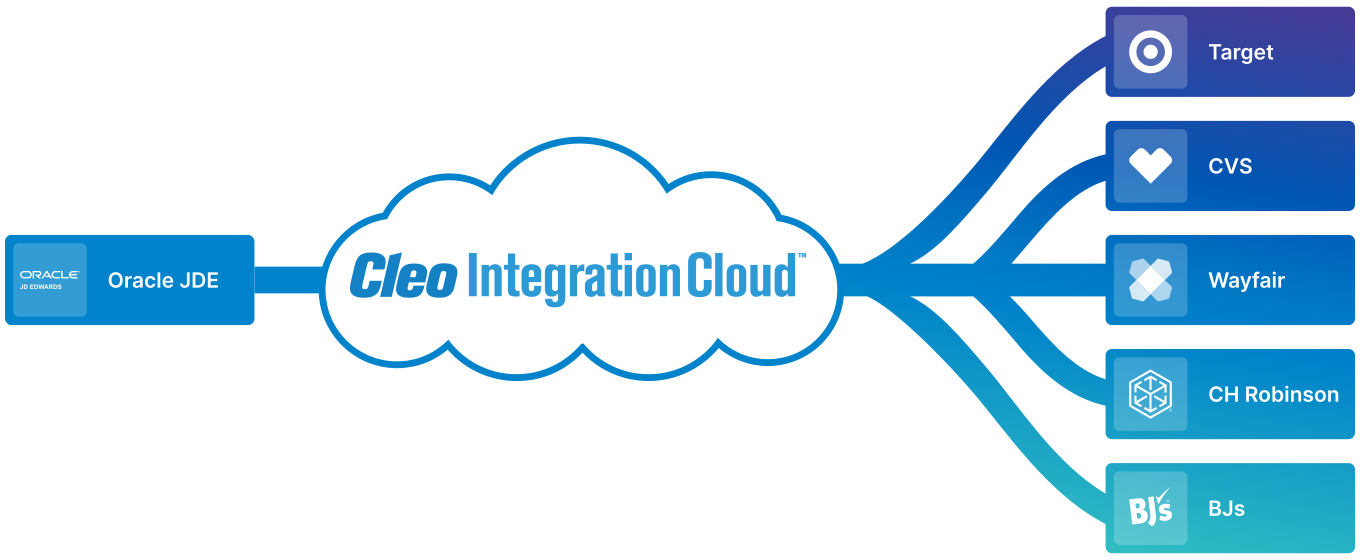
Organizations use Cleo to connect JD Edwards, EDI, APIs, and trading partners.
A selection of organizations featured across Cleo’s JD Edwards page.







What Cleo helps you achieve around JD Edwards.
Speed time-to-revenue
Accelerate EDI, eCommerce, and marketplace business with reusable integration flows.
Automate key processes
Streamline order capture, acknowledgement, fulfillment, shipping, invoicing, and procurement workflows.
Reduce complexity
Use prebuilt business-process resources to reduce custom coding, errors, and integration maintenance.
Gain end-to-end visibility
Monitor partner and transaction activity with business context and operational analytics.
Connect JD Edwards without turning every partner workflow into custom integration code.
Cleo supports JD Edwards World and EnterpriseOne through proprietary APIs and database integration, then coordinates those interfaces with EDI, API, application, database, and file-based partner workflows.
JD Edwards interfaces
Connect through JDE APIs, database integration, web-service workflows, and supported EnterpriseOne resources.
Transform, validate, orchestrate
Use reusable rulesets, schemas, and business-process logic to map partner data and coordinate multi-step transactions.
Connect the ecosystem
Link retailers, suppliers, 3PLs, marketplaces, SaaS apps, databases, and IBM i environments through one integration layer.
Automate the JD Edwards processes behind revenue, procurement, and fulfillment.
Cleo’s JDE connector includes reusable resources for order-to-cash and procure-to-pay transactions, with support for custom projects for additional transaction types.
Order-to-cash
Coordinate customer orders, acknowledgements, changes, shipments, ASNs, invoices, and related downstream transactions.
Procure-to-pay
Automate supplier purchase orders, acknowledgements, changes, receipts, invoices, and payment-related transactions.
Custom JDE workflows
Extend beyond included samples with custom integration flows for additional JD Edwards transaction and application requirements.
Turn JD Edwards integrations into observable business processes.
Cleo gives IT and operations teams visibility into partner activity, document flow, errors, and business-process status so exceptions can be resolved faster.
Give business and IT teams one place to understand missing, failed, delayed, or completed partner transactions.
What users say about ERP and EDI integration with Cleo.
Feedback from teams using Cleo to replace fragile custom connectors, improve ERP connectivity, and become more self-sufficient.
Reduce custom integration risk
One reviewer describes replacing unreliable internal APIs and custom EDI connectors with more efficient, less error-prone integration processes.
Verified G2 UserConnect EDI into the ERP
Another reviewer highlights Cleo as a strong provider for connecting EDI processes into their ERP environment.
Verified G2 UserMove on your own timeline
A reviewer notes their team became less dependent on ERP-vendor timelines and gained more flexibility to integrate additional systems.
Mauro B.Connect JD Edwards to retailers, logistics providers, and trading partners.
Use Cleo to connect common JD Edwards trading-partner workflows and keep revenue-critical transactions moving.


Oracle and ERP modernization stories.
See how Cleo customers use integration to modernize ERP-connected operations, trading-partner onboarding, and supply-chain processes.
Byrne Dairy
Byrne Dairy regained control of EDI and partner onboarding during its Oracle transformation, launching Oracle Supply Chain and Cleo together with 15 partners.
Read case study Oracle ERPTaylorMade
TaylorMade moved global operations onto a new Oracle ERP while Cleo supported more than 60 trading partners and 100,000+ monthly transactions.
Read case study ERP modernizationMondetta
Mondetta modernized ERP-connected EDI workflows and reduced customer-connection project timelines from weeks or months to days.
Read case study
“It doesn’t matter if I'm using Shopify as my eCommerce platform, or if I'm using NetSuite, or I’m using EDI with my customers, and it doesn’t matter what ERP I’m using . . . With Cleo Integration Cloud we were able to deliver everything faster to our customers.”
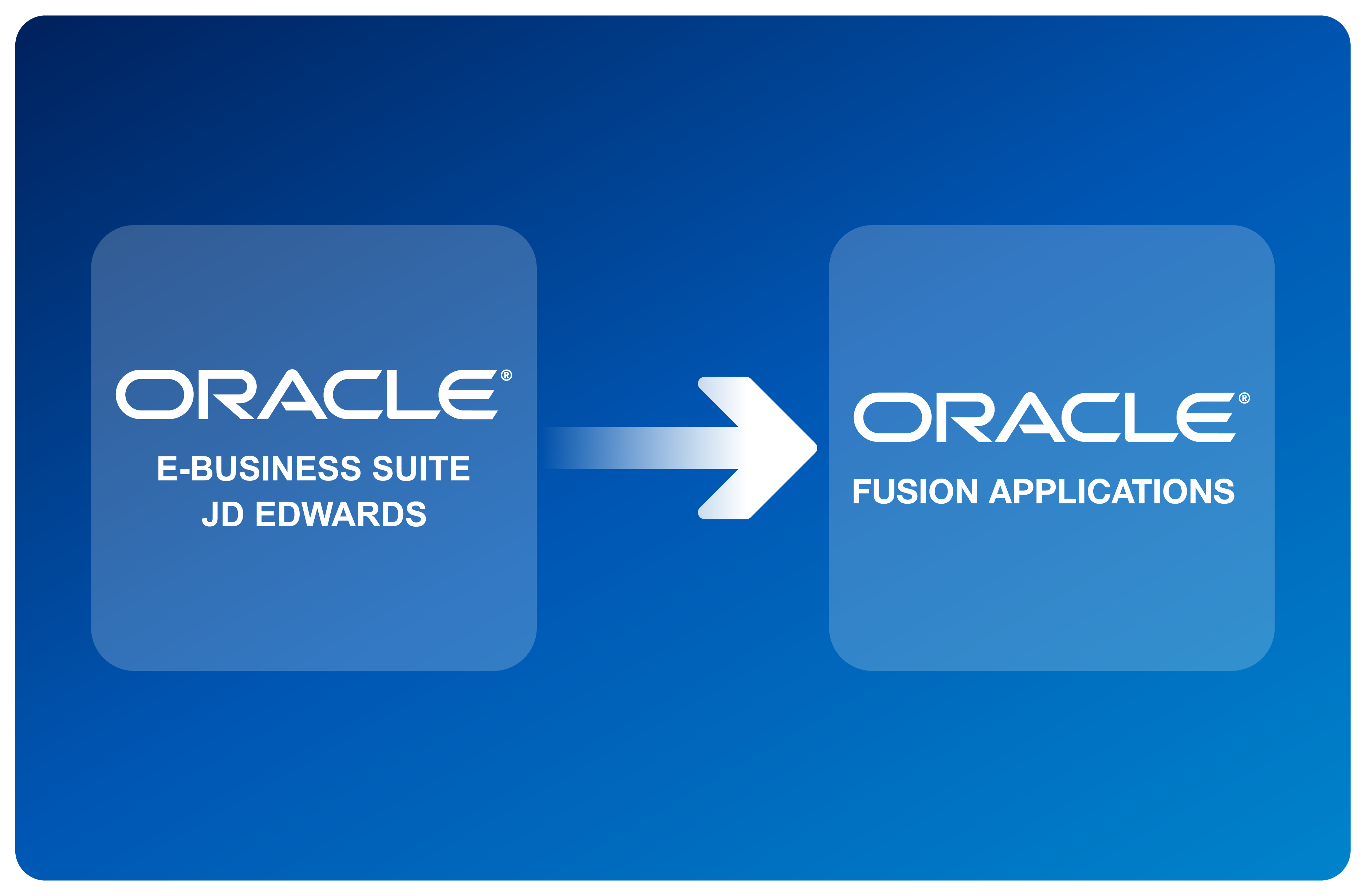
Migrating from JD Edwards to Oracle Fusion?
Cleo can help preserve and modernize partner integrations while you move from JD Edwards to Oracle Fusion, so ERP migration does not become a separate EDI and API reimplementation project.
- Move priority partner integrations first while the long tail remains on the existing platform.
- Build and A/B test Oracle Fusion integrations before final cutover.
- Phase partner migrations to align with Fusion go-live and JDE decommissioning timelines.
Explore JD Edwards integration and Oracle modernization resources.
Direct Integration Into Oracle JD Edwards
See how Cleo’s Oracle JDE accelerator helps organizations achieve automated back-office integration.
View the infographicMigration & Modernization
Review strategy considerations for selecting, upgrading, migrating, and deploying modern enterprise applications.
Read the white paperERP, TMS & WMS EDI Pitfalls
Learn why embedding EDI directly inside operational systems can create complexity and reduce agility.
Watch the webinarCommon questions about integrating JD Edwards with Cleo.
Which JD Edwards environments does Cleo support?
Cleo’s Oracle ERP coverage identifies support for JD Edwards World and EnterpriseOne through the Cleo ERP Connector for JDE.
How does Cleo connect to JD Edwards?
Cleo supports proprietary JDE APIs and database integration. The JDE connector also provides reusable rulesets, sample business processes, pre-configured data sources, database adapters, and schemas for common integrations.
Can Cleo support EDI and API integrations around JD Edwards?
Yes. Cleo can coordinate EDI, API, secure file, database, application, and partner-integration patterns through the same integration layer.
What business processes can the JDE connector help automate?
Cleo documents support for reusable order-to-cash and procure-to-pay integration projects, with the ability to create custom projects for other transaction types.
Can Cleo help migrate integrations from JDE to Oracle Fusion?
Yes. Cleo documents a phased integration-first approach that allows priority partners to move first, supports A/B testing against Oracle Fusion, and lets remaining partners transition according to go-live priorities.
Can Cleo monitor JD Edwards transactions after deployment?
Yes. Cleo provides centralized visibility into communications and data-integration activity so teams can identify failed, missing, or delayed transactions and resolve exceptions faster.
See JD Edwards integration in your environment.
Talk with Cleo about your JDE architecture, database or API integration, EDI flows, trading partners, and migration plans.